
If you are still handing out copies of the same office key to every employee, your security problem is not hypothetical. It shows up when a former staff member still has access, when a lost key forces a rekey, or when no one can tell who entered the building after hours. A good commercial access control guide starts there – with control, accountability, and fewer surprises.
For many businesses in Ballwin and the greater St. Louis area, access control is not about buying the most advanced system on the market. It is about choosing the right level of security for your building, your staff, your hours, and your budget. A medical office has different needs than a warehouse. A small storefront has different risks than a multi-tenant office suite. The best setup is the one that fits how your business actually operates.
What commercial access control really means
Commercial access control is any system that limits who can enter a property, when they can enter, and which doors they can use. In simple terms, it replaces the old all-or-nothing key model with a system that gives you more precision.
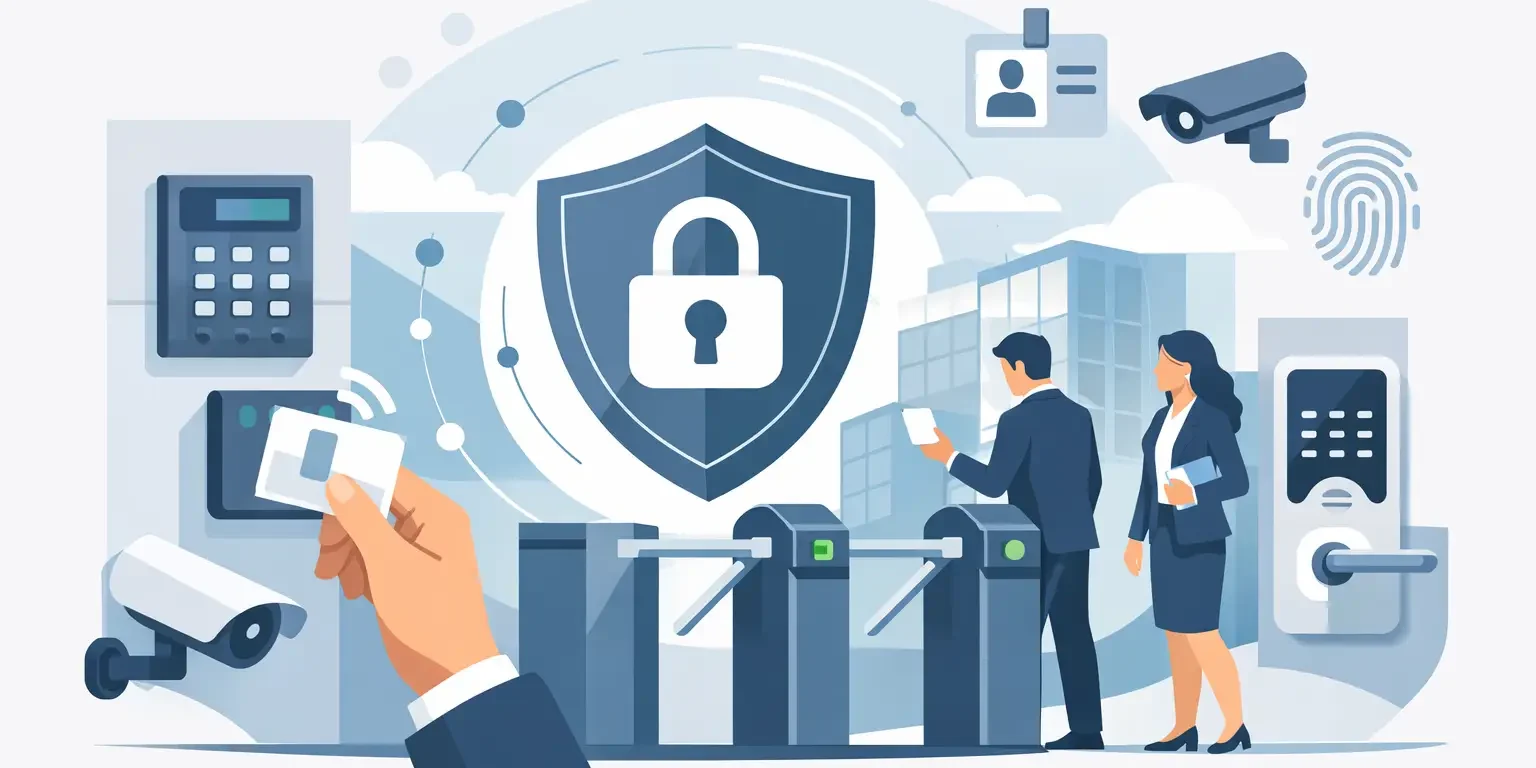
That can be mechanical, electronic, or a mix of both. A traditional commercial locksmith services is still a form of access control. So are keypad locks, key card readers, smart locks, mobile credential systems, and door hardware tied to a central management platform. The right answer is not always fully electronic. In many commercial buildings, a blended setup makes the most sense.
If you manage employees, vendors, cleaning crews, tenants, or rotating contractors, access control helps reduce the mess that comes from shared keys and informal entry habits. It also gives you a clearer process when someone leaves, loses credentials, or needs limited after-hours access.
Start with your building, not the hardware
Before you compare readers, credentials, or apps, look at how the property functions day to day. That is where most good security decisions begin.
Think about which doors truly need controlled access. Your front entrance may need convenience and easy traffic flow. Your server room, inventory area, or records room may need tighter restrictions. An employee break room probably does not need the same protection as a cash office or pharmaceutical storage area.
Then consider how people move through the building. Are employees coming in through one main entrance or several? Do you need scheduled access for vendors? Are there doors that must stay unlocked during business hours but secured after close? These details shape the system more than product marketing ever will.
This is also where local business owners often save money. Not every door needs a reader, an electric strike, and software integration. Sometimes the better investment is securing high-risk doors first, then expanding later.
The main types of systems in this commercial access control guide
The most common commercial access control options fall into a few categories, each with strengths and trade-offs.
Keypad systems are familiar and usually cost less to install than card-based or cloud-managed platforms. They work well for smaller offices, employee-only entries, and low-complexity sites. The downside is that codes get shared. Once too many people know the same code, accountability drops fast.
Key card and fob systems are a step up for many businesses. They let you issue individual credentials, remove access without changing locks, and often track entry events. This is useful when turnover is a concern or when different employees need different permissions. The trade-off is ongoing management. Cards get lost, fobs break, and the software side needs to be handled correctly.
Smart locks and mobile access systems can be a strong fit for certain offices, shared spaces, and smaller commercial properties. They offer convenience and remote management, but they are not automatically the best answer for every exterior door or high-traffic entry. Battery life, connectivity, and hardware grade all matter.
Master key systems still belong in the conversation. For many commercial properties, especially those with multiple rooms and a need for simple hierarchy, a well-designed master key system is cost-effective and dependable. It does not give you an audit trail like electronic systems do, but it can give managers controlled physical access without overcomplicating the building.
Where businesses get access control wrong
The biggest mistake is buying based on features instead of risk. A business sees a modern system with phone access, cloud dashboards, and user scheduling, then installs it everywhere without thinking through daily use. If staff find the system frustrating, doors get propped open, credentials get shared, and security weakens.
Another common problem is putting electronic hardware on a door that is not physically ready for it. Weak door frames, worn closers, poor alignment, or low-grade hardware can create failures no software can fix. The access control device is only as reliable as the door, lock, and frame supporting it.
Businesses also underestimate offboarding. If an employee leaves and there is no immediate process to remove access, the system is not doing its job. This is one reason electronic credentials can be a better long-term option than traditional keys in workplaces with regular staffing changes.
How to choose the right setup
If you run a small office with a few employees, a keypad on one entry and restricted mechanical hardware inside may be enough. If you oversee a retail operation with stockrooms and multiple staff schedules, cards or fobs can offer better control. If you manage a larger site or multiple doors with different user groups, a more centralized platform may be worth the investment.
Budget matters, but so does the cost of doing nothing. Repeated rekeying, lost key problems, and unclear entry control add up over time. In some cases, a basic electronic system is less expensive over several years than staying with copied keys and emergency fixes.
It also helps to think in phases. Many businesses do not need a complete overhaul in one visit. Start with the primary entry, one sensitive interior door, and a clean user policy. Expand after you see how the system performs.
Commercial access control guide for costs and planning
Cost depends on more than the lock itself. Door type, wiring needs, power supply, software, credential count, and labor all affect pricing. A standalone keypad on one standard door is very different from a multi-door system with cloud management and scheduled permissions.
There is also a difference between upfront cost and operating cost. Mechanical systems often cost less at installation, but they can become expensive when keys are lost or staff changes are frequent. Electronic systems cost more at the start, but they can save time and reduce rekeying when managed well.
For business owners, the smart approach is to ask what problem the system is solving. If you only need to stop uncontrolled key copying, a restricted keyway or master key system might solve it. If you need user-by-user control and recordkeeping, electronic access makes more sense.
Don’t ignore the locksmith side of the job
Access control is not just a technology purchase. It is also a door hardware and security hardware job. That is why installation quality matters.
A reliable commercial setup depends on proper lock selection, door prep, alignment, strike compatibility, closing force, and exit compliance. If those basics are missed, even good equipment turns into a service call waiting to happen. Businesses often focus on the credential reader and forget that the mechanical side still does the heavy lifting.
This is where an experienced commercial locksmith can help identify whether your current doors can support an upgrade, whether rekeying should happen at the same time, and whether a master key system should be part of the plan. In some cases, a business benefits from both – electronic control on perimeter doors and mechanical hierarchy inside.
What to do first if your business has no system yet
Start by identifying your highest-risk door and your highest-risk access issue. That might be a back door used by staff, a shared office entrance, or a room with expensive equipment or records. Then decide whether your main problem is uncontrolled keys, no way to remove access quickly, or no record of who entered.
From there, keep the first step practical. You do not need a complicated rollout to improve security. One properly secured entry point, one clear access policy, and hardware that matches the building can make a major difference.
If you are not sure where to begin, a local mobile locksmith with commercial experience can usually spot the weak points quickly and recommend a setup that fits your building instead of overselling features. For many St. Louis area businesses, that kind of honest planning is what keeps a security upgrade affordable and useful.
The right system should make your day easier, not just make your door look more modern. When access is controlled, staff know what to do, and your hardware matches the real risks of the property, you are in a much better position than the business still hoping every copied key is accounted for.