
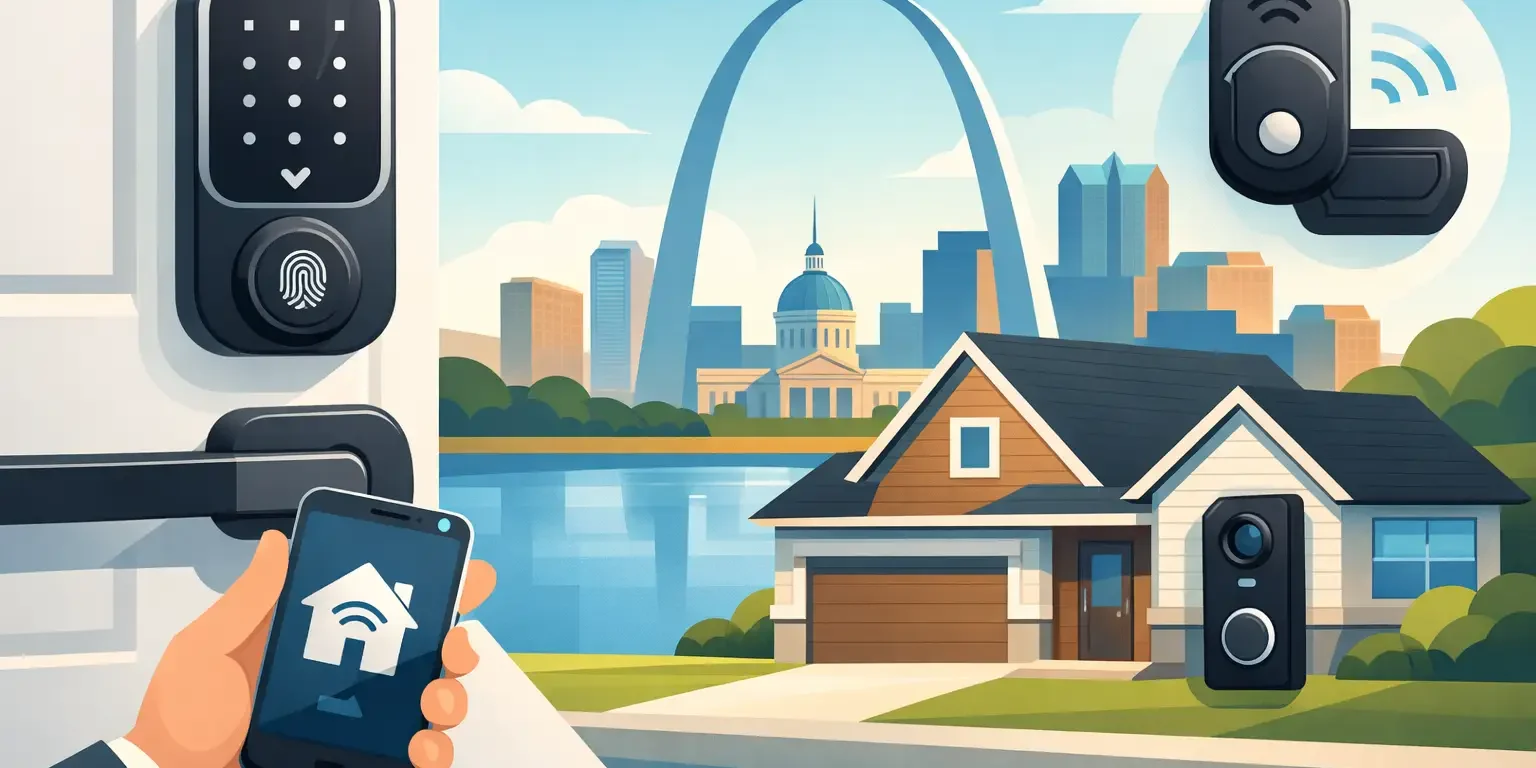
A key under the mat is easy to forget about until a contractor, former tenant, or unexpected visitor finds it. Keyless entry replaces that weak point with access you can control, change, and monitor without collecting physical keys. The top keyless entry options are not all built for the same job, though. A homeowner who wants a simple code for school pickup needs something different from a property manager handling tenant turnover or a business owner responsible for several employees.
The right choice comes down to the door, the number of people who need access, how much control you want, and whether the lock needs to work with an existing security setup. Here is a practical look at the options worth considering before you buy or schedule an installation.
Top Keyless Entry Options for Homes and Businesses
Keypad deadbolts for straightforward home access
A keypad deadbolt is often the best starting point for a single-family home, rental house, garage entry, or small office. You enter a personal code on the keypad rather than using a standard key. Many models still include a physical keyway as a backup, while others use an emergency power connection if the batteries run down.
The main advantage is simplicity. A homeowner can give each family member a separate code and change a code after a babysitter, dog walker, contractor, or tenant no longer needs entry. There is no app to manage if you do not want one, and a quality keypad deadbolt can be a dependable upgrade from a basic lock-and-key setup.
This option is especially practical for property managers. Instead of rekeying between every short-term occupant or service provider, you can change the entry code. For a long-term rental or after a move, rekeying may still be the right choice for every exterior lock, but code management adds another useful layer of control.
Look for a Grade 1 or Grade 2 residential deadbolt from a recognized lock manufacturer, a weather-resistant keypad, and an automatic locking feature if that fits your routine. Auto-lock is helpful for busy households, but some people prefer manual control on doors that see frequent traffic.
Smart locks for remote control and activity alerts
Smart locks add phone-based access, allowing you to lock or check a door from a mobile app. Depending on the model and connection method, you may also create scheduled codes, receive activity notifications, and let a guest in while you are away.
This is a good fit for homeowners who travel, manage deliveries, or regularly coordinate service appointments. It can also help landlords and property managers give temporary access without meeting someone at the property. For example, a code can be set to work only during a maintenance window rather than remaining active indefinitely.
There are trade-offs. Wi-Fi-connected locks offer more remote features but depend on a reliable home network and may use batteries faster. Bluetooth models can be simpler and more private, but remote access may require a separate bridge or hub. A smart lock should not be chosen only for its app. The deadbolt itself, strike plate, door alignment, and installation quality still determine how well the door resists forced entry.
Before selecting a model, check compatibility with your door thickness, backset, existing deadbolt holes, and smart-home equipment. Some smart locks replace the entire deadbolt; others fit over an existing interior thumbturn. A locksmith can tell you whether your current hardware and door condition will support the lock you want.
Commercial keypad and credential systems
Small businesses often begin with a keypad lock at a staff entrance, but commercial access needs can grow quickly. If employees need different access levels, if you have high turnover, or if several doors need to be managed, a commercial keyless system is usually a better long-term investment.
These systems may use PIN codes, key fobs, access cards, mobile credentials, or a combination of methods. A manager can remove a former employee’s credentials without having to recover every physical key. For offices, storage areas, medical practices, retail spaces, and multi-tenant properties, that control can reduce the uncertainty that comes with copied keys.
The best commercial setup depends on the door and the level of security required. A standard keypad lever may work for an interior supply room. An exterior aluminum storefront door, a steel security door, or a high-traffic employee entrance may require commercial-grade hardware, an electric strike, a magnetic lock, or a properly designed access-control system.
Do not overlook life-safety requirements. Exit doors must allow people to leave safely, and access hardware must be installed in a way that complies with applicable fire and building codes. This is one area where professional assessment matters more than a quick hardware purchase.
Vehicle lockouts and keyless-entry limits
Modern vehicles may use remote fobs, proximity keys, push-button start systems, or smart keys. If a vehicle key or fob is lost, damaged, or needs programming, contact a dealership or a qualified automotive-key specialist.
Locks R Us does not cut, replace, or program vehicle keys or fobs and does not repair ignitions. Our vehicle service is limited to unlocking a car when the keys are locked inside. The customer must provide proof that they are authorized to access the vehicle.
How to Choose the Right System
Start with who needs access and how often that list changes. A family of four may only need a keypad deadbolt with several user codes. A rental owner may benefit from scheduled codes and remote management. A business with employee turnover, sensitive records, or multiple entrances may need fobs, audit history, and permission levels rather than one shared code.
Next, consider the door itself. A quality keyless lock cannot compensate for a weak frame, loose strike plate, warped door, or worn-out deadbolt opening. Exterior doors should have solid mounting points and a properly reinforced strike area. On commercial doors, the door material, closer, panic hardware, and existing lock preparation all affect which system can be installed correctly.
Power is another consideration. Most residential keypad and smart locks run on batteries and provide low-battery warnings. Change batteries on a schedule rather than waiting for a warning, and keep the mechanical backup key in a secure location if your lock has one. Commercial systems may use batteries, wired power, or both. Wired systems can support more features, but they typically require more planning and installation work.
Finally, decide how much technology you actually need. Remote locking, notifications, and temporary codes are useful features when they solve a real problem. If you simply want to stop carrying house keys, a reliable keypad deadbolt may be the better value. More features can mean more convenience, but also more settings, battery use, and network dependence.
Installation Details That Affect Security
Keyless hardware is only as dependable as its installation. A lock that binds, a latch that does not fully engage, or a strike plate secured only to trim can create problems regardless of the brand. Proper installation includes checking door alignment, fitting the latch and bolt correctly, securing the strike into solid framing, and testing every code, key, app, or credential before the technician leaves.
For smart locks, it also helps to set up unique user codes from the start. Avoid easy combinations such as an address number, birthday, or 1234. Give each regular user a separate code so you can remove access for one person without changing everyone else’s entry method. For businesses, avoid sharing one universal employee code. Individual credentials provide better control when staff changes occur.
Locks R Us provides mobile keyless lock installation and locksmith service throughout Ballwin and the greater St. Louis area. Whether the job involves a residential deadbolt, a rental turnover, a commercial entry door, or a vehicle lockout with keys inside, an on-site evaluation can help match the service to the door or access problem.
A keyless entry system should make access easier for the right people and harder for everyone else. Choose the level of control that matches your property, have the hardware installed correctly, and keep a dependable backup plan for power loss, lost phones, or changed access needs.